Fake Google sponsored ads: Spot search hijack scams
Paul Betteridge
Workshop Owner
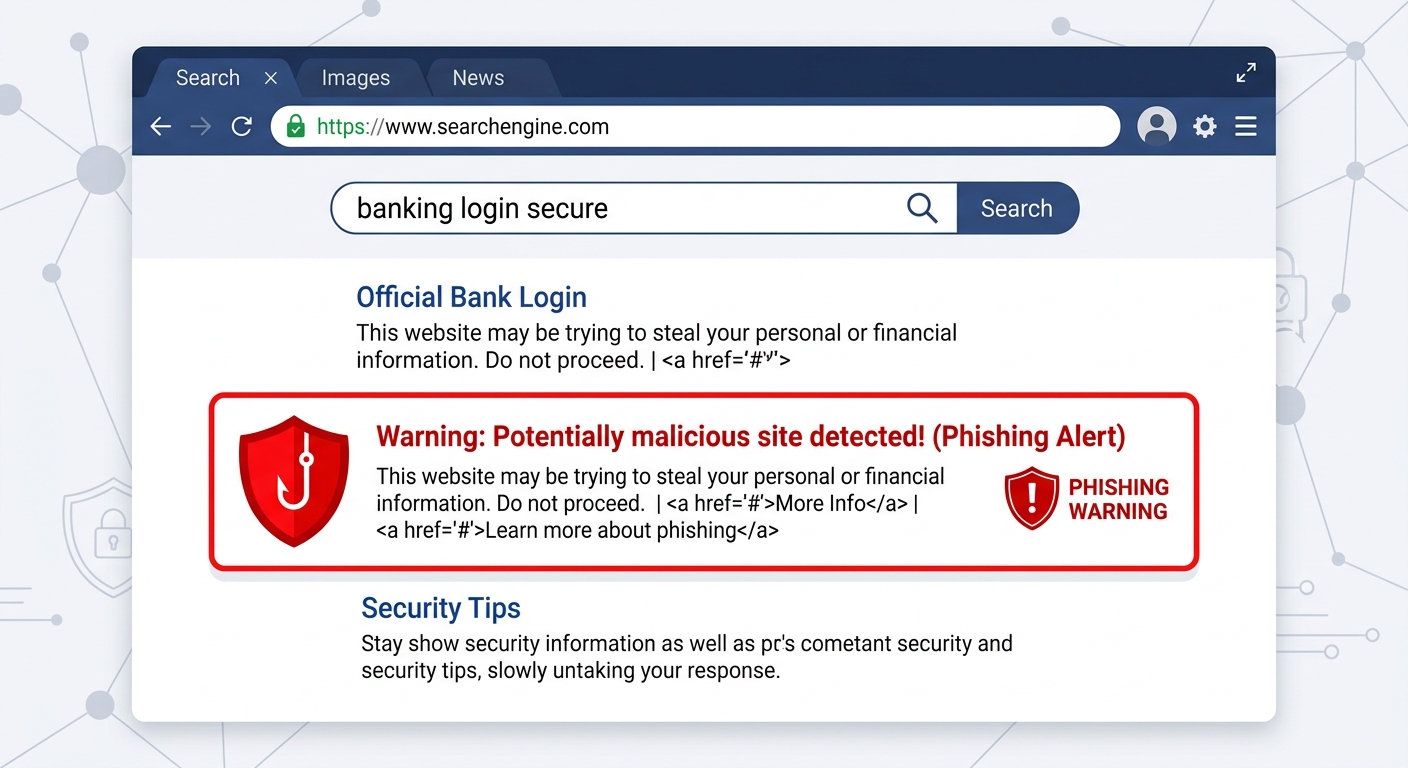
Fake Google sponsored ads: Spot search hijack scams
Over the past few months, I have had to clean several compromised web domains and secure hijacked emails for clients who fell victim to a highly sophisticated online scam: Fake Search Engine Ads.
These scams are highly effective because they don't rely on typical suspicious pop-ups. They intercept you exactly when you are searching for trusted tools and services on Google.
Here is how the scam works and how to protect yourself.
How the sponsored search scam works
When you search for a service or login portal (such as "GoDaddy login," "ManageWP," or newer tools like "Claude AI"), search engines display relative paid advertisements at the top of the search results page.
Criminals use cheap credit cards and fake details to purchase these top "Sponsored" spaces. They design their search ad to look exactly like the official company, utilising the correct logos and titles.
- The Trap: When you click the sponsored ad link, it redirects you to a cloned landing page designed to mirror the login portal of the service you searched for.
- The Hijack: As soon as you enter your email and password, the fake page records your keys. In some cases, it immediately prompts you for your two-factor SMS password to log in and lock you out of your account on the real service.
Why doesn't Google stop this?
While search engines actively audit advertisements, malicious networks bypass detection by using "cloaking" scripts. When Google's automated scanners check the ad, they are shown a healthy, normal website. Only real human search users are redirected to the malicious login pages, allowing these ads to bypass security filters.
How to spot the fake ad
You can spot fake sponsored links by checking these details before you click:
1. Inspect the URL (Domain Address)
The top ad might display "Claude" in bold letters, but check the small green or grey web address above the headline. If it says claudee-ai-login-secure.xyz or godadddy-panel.net instead of the official domains (claude.ai or godaddy.com), it is a scam.
2. Scroll past the "Sponsored" section
The safest way to search is to ignore the top sponsored links entirely. Scroll past them until you find the organic, natural search results, which are much harder for scammers to manipulate.
3. Bookmark login portals
For important portals you access regularly (your web host panel, cloud storage, banking, or email), never search for them on Google. Enter the official domain once, bookmark the exact login page, and always use that bookmark to sign in safely.
4. Use a password manager
Modern password managers (like 1Password, Bitwarden, or Apple Keychain) are incredibly smart. They associate your saved credentials with the exact official web domain. If you land on a fake cloned domain, the password manager will refuse to autofill your details because the addresses don't match.
What to do if you clicked an ad
If you suspect you have entered your details on a fake site:
- Go directly to the official website immediately and change your password.
- Reset any other accounts that use the same password.
- Turn on two-factor authentication (2FA) immediately.
- If your laptop started behaving oddly or downloading apps after clicking, bring it to my Poole workshop. I can perform a deep cleanup and ensure no malicious software was installed.
Have a similar problem?
I see these issues daily in my Poole workshop. Start an enquiry to check your options and resolve the issue.