Loud fans? Is dried thermal paste throttling your laptop?
Paul Betteridge
Workshop Owner
Loud fans? Is dried thermal paste throttling your laptop?
"My laptop's fan never seems to turn off, and it has become incredibly loud even when I am just browsing. Is my computer getting too old?"
I hear this concern weekly in my workshop. Many users assume their machine is simply getting old and needs a replacement. In reality, the issue is almost always a physical maintenance problem: Dried-out thermal paste.
Let's look at what thermal paste does, why it fails, and why simple dusting isn't enough to fix it.
What is thermal paste?
Your laptop's main processor (CPU) generates a massive amount of heat under load. To keep the chip cool, a metal plate called a heatsink is clamped over it, which draws heat away toward the fan.
However, metal surfaces are not perfectly flat on a microscopic level. There are tiny air gaps when they meet, and because air is a poor conductor of heat, your processor would quickly overheat.
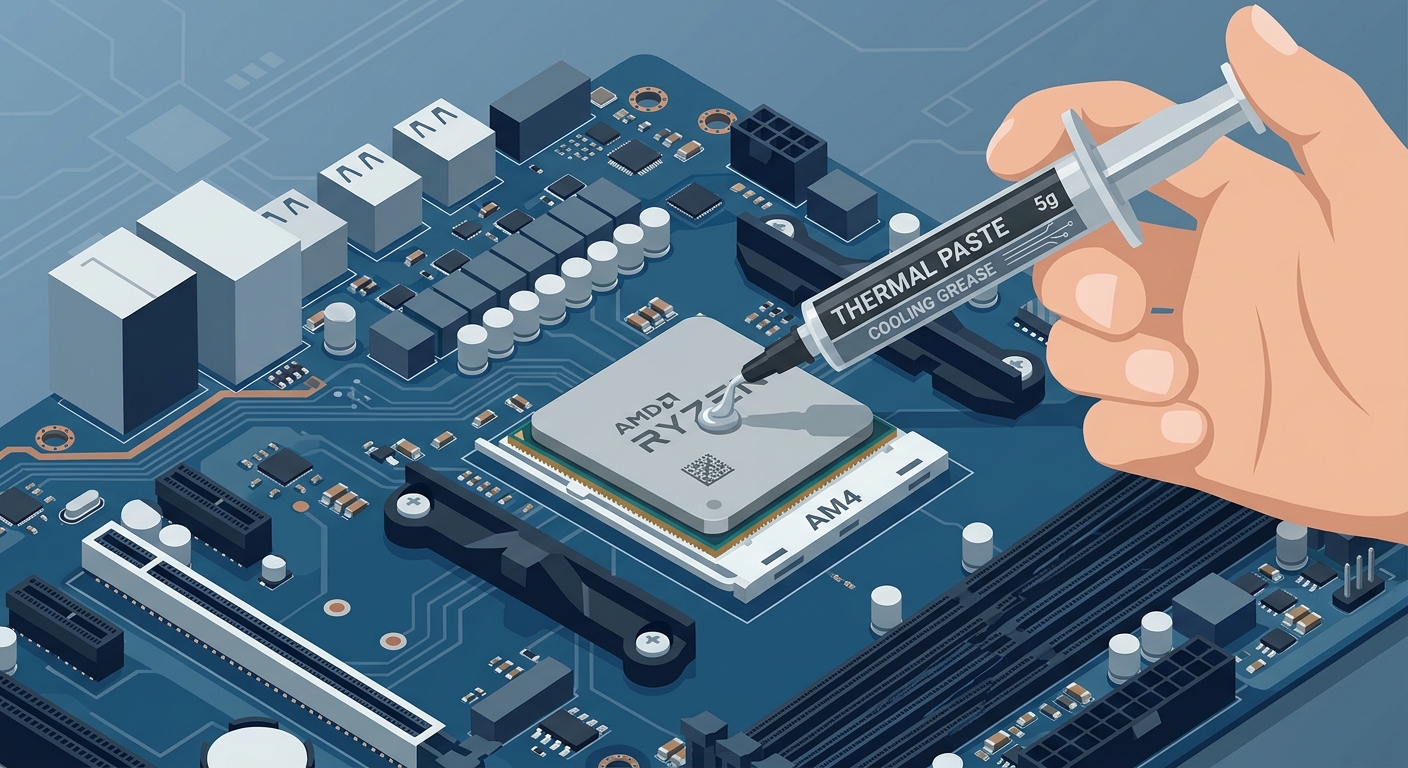
Thermal paste is a specialised compound applied between the processor and the heatsink. It fills those microscopic air gaps, maximizing heat transfer and keeping your system cool.
Why does it fail?
When a laptop is manufactured, the thermal paste is wet, flexible, and efficient. However, after 3 to 5 years of daily heating and cooling cycles, the compound undergoes chemical drying:
- It drys out, turns into a brittle, crusty powder, and cracks.
- Air gaps return, blocking heat transfer.
- The processor quickly reaches high temperatures, forcing your fans to run at max speed to prevent damage.
The Silent Killer: Thermal Throttling
Modern computers are highly advanced. To prevent processors from melting under extreme heat, your system automatically slows its execution speed. This is called Thermal Throttling.
- Your CPU will run at 40% speed to curb heat output.
- This is why your laptop feels incredibly slow during daily tasks, even though you haven't installed any new software.
Why blasting compressed air isn't enough
A common DIY repair is blasting compressed air into the laptop's vents. While this cleans woolly dust clumps from the fan, it does nothing to restore the dry, useless connection between the CPU and the heatsink.
To restore original temperatures and silent operation, the heatsink must be physically unscrewed, the dry compound must be carefully cleaned with specialized isopropyl alcohol solutions, and high-performance, fresh thermal paste must be properly applied.
Get it sorted professionally
If your laptop runs hot on your lap, sounds like a hairdryer, or lags during basic tasks, bring it down to the Poole workshop. I can perform a full internal clean, replace old thermal paste with high-grade thermal compound, and restore silent, responsive performance to your laptop.
Have a similar problem?
I see these issues daily in my Poole workshop. Start an enquiry to check your options and resolve the issue.