Laptop battery swelling: Subtle signs people miss
Paul Betteridge
Workshop Owner
Laptop battery swelling: Subtle signs people miss
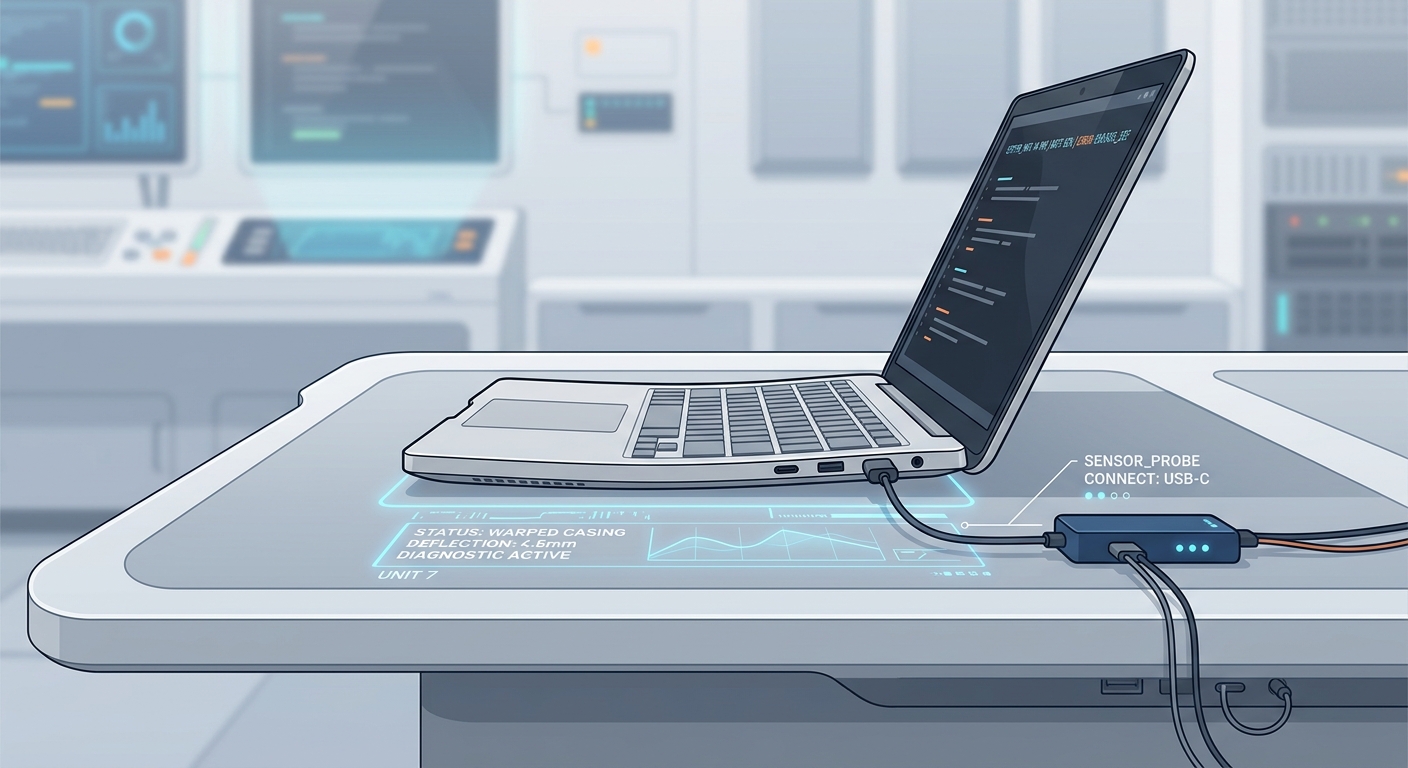
Modern slim laptops utilise Lithium-ion polymer stretch pouch batteries. While this allows laptops to be incredibly thin and lightweight, it introduces a physical hardware risk: over time, as batteries degrade, they can generate gas, causing them to physically swell up.
A swollen battery is a critical hardware hazard. If punctured, it can release toxic chemical vapours or burst into flames. Because the battery sits entirely inside the main casing, minor swelling goes unnoticed by most users until major structural damage occurs.
Here are the subtle warning signs that tell you your battery is swelling and needs immediate attention.
1. The Trackpad becomes stiff or unclickable
This is the single most common early clue. On most modern laptops (such as Apple MacBooks and Dell XPS notebooks), the trackpad sits directly over the flat battery pouch.
- As the battery expands, it pushes upward against the underside of the trackpad.
- You will notice your trackpad clicks feel mushy, require heavy finger pressure, or stop clicking entirely.
2. The Laptop wobbles on a flat desk
When a battery swells downward, it bulges the bottom plastic or aluminium chassis panel.
- If your laptop used to sit perfectly flat but now wobbles slightly during typing, inspect the underside.
- Feel along the bottom metal lid of your device. It should be completely flat, and you should not feel any bulbous curves or bulging metal.
3. Case seams are splitting or lifting
Laptop casings are held together securely by small tork screws and plastic clips. As the battery generates physical expansion forces, it can pop these structural seams.
- Inspect the edges of your laptop around the ports and keyboard casing.
- If you see gaps appearing or bottom panels detaching, do not attempt to force, clamp, or click them back together. You could puncture the gas pouch!
4. Spongy keyboard keys
In severe situations, the swelling pressure pushes up against the underside of the keyboard tray, stretching the spacebar or lower row keys, making typing feel stiff, spongy, or non-responsive.
Why do batteries swell?
Battery swelling is caused by safe chemical outgassing. As batteries undergo age degradation, extreme thermal stress, or overcharging currents from faulty power adapters, the internal separator membranes fail, causing a chemical reaction that releases safe-venting gases designed to keep the pouch contained rather than exploding.
Safe action plan:
If you notice any of these structural adjustments in your device:
- Unplug it immediately: Do not continue supplying high-current power to a swollen cell.
- Do not squeeze or force the chassis: Do not try to compress the case or screw the swollen panels back down.
- Keep it cool: Place the laptop in a safe, fireproof location away from soft fabrics and high temperatures.
- Get it professionally replaced: Bring it to a local repair workshop. Handling lithium pouches requires ESD safety gloves, custom adhesive solvent tools, and proper eco-friendly chemical disposal facilities.
I handle safe swells weekly and can safely refresh your power cell, restoring your notebook's casing with clean, original ergonomics.
Have a similar problem?
I see these issues daily in my Poole workshop. Start an enquiry to check your options and resolve the issue.