Windows 11: Why Your Printer Suddenly Disappeared & How to Fix It
Paul Betteridge
Workshop Owner
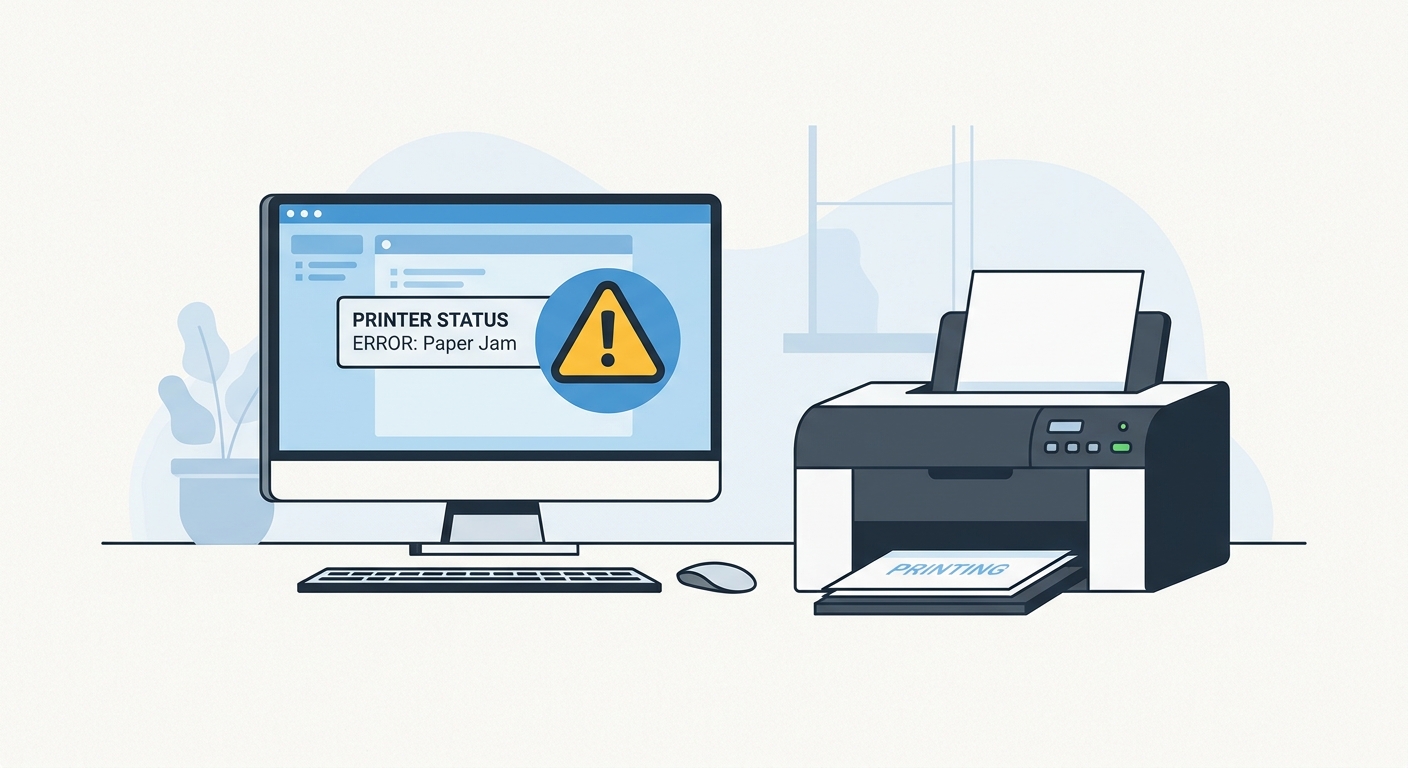
Why did my printer stop working after the Windows 11 update?
In my Poole workshop, one of the most common software-related complaints I receive after major Microsoft Windows 11 updates is: "My printer has suddenly disappeared from my system!" or "It says offline, even though it is plugged in and switched on."
When a major update rolls out, Windows often replaces generic USB ports, changes printer permissions, or re-initiates the core Print Spooler service which handles communications between your laptop or desktop and your printer.
How to Diagnose and Fix a Disappeared Printer:
-
Check the Print Spooler Service:
- Press
Windows Key + Rto open the Run dialog box. - Type
services.mscand press Enter. - Scroll down to find Print Spooler.
- Right-click it and select Restart. If it isn't running, set the startup type to Automatic and click Start.
- Press
-
Re-Add the Printer Manually:
- Go to Settings > Bluetooth & devices > Printers & scanners.
- If your printer is gone, click Add device.
- If Windows fails to locate it, click "The printer that I want isn't listed" and choose to add it manually using its IP address (for Wi-Fi printers) or matching USB port.
-
Reinstall Host Manufacturer Drivers:
- Major updates can corrupt existing drivers. Avoid Windows basic drivers; instead, go directly to HP, Epson, Canon, or Brother's official website, download the specific installer suite, and reinstall.
⚠️ Important Notice from iFixTech:
Please note that iFixTech does not repair printer hardware. If your printer has a paper jam, broken rollers, clogged ink jets, or physical faults, I am unable to repair the mechanical internals in my workshop.
However, if your computer, laptop, or Apple Mac is having trouble communicating, installing, or connecting to your printer over Wi-Fi or USB, I can absolutely resolve these software configuration issues as part of my general software troubleshooting and slow computer repair services.
If your computer needs a clean reset, an operating system overhaul, or printer drivers configured securely, feel free to run a repair enquiry.
Have a similar problem?
I see these issues daily in my Poole workshop. Start an enquiry to check your options and resolve the issue.